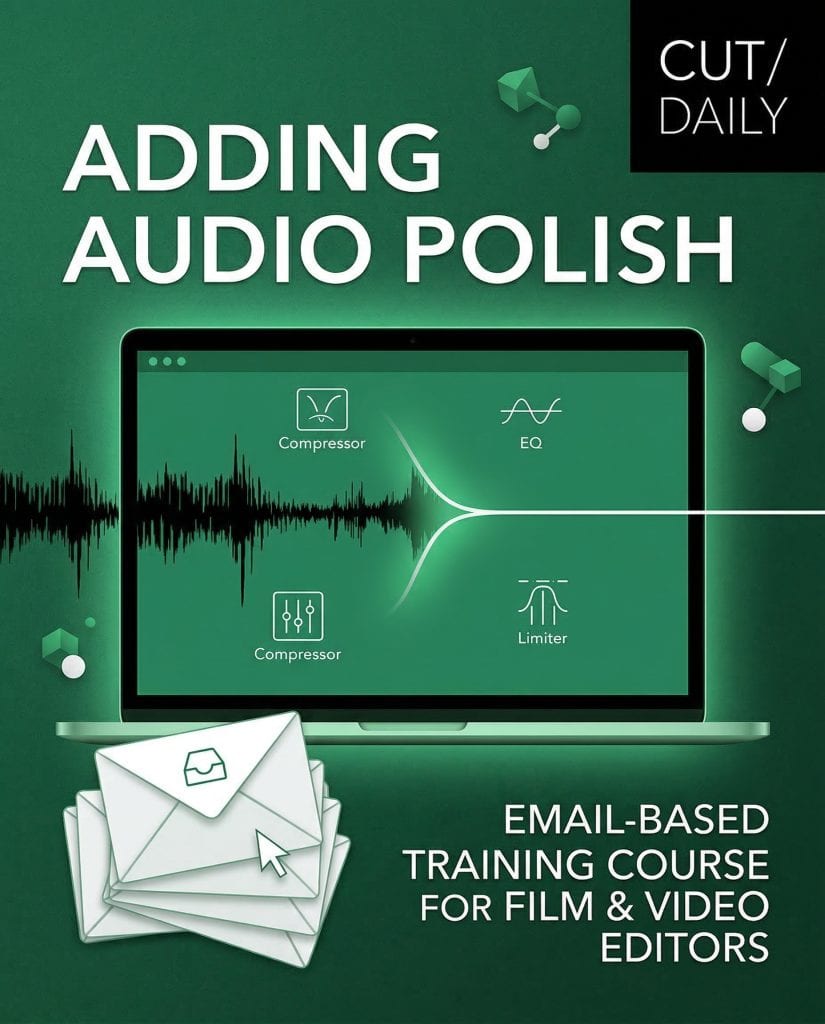
Just shy of two years ago, I set out to create an email-based training course delivering in-depth insights focused on a single post-production topic.
My Cut/daily readers voted for their most challenging area, with handling audio quickly emerging as the most popular concern.
To best describe what happened next, you could say, I got a little carried away…
- Two years
- 21,000 words
- 10 beta testers
- 30 pre-launch students later
Adding Audio Polish is finally here.
Spare me the backstory. What do I get:
7 emails delivered to your inbox over a week, covering the complete audio workflow for video editors in 5 concise lessons:
- Dialogue
- Music
- Sound Effects
- Sound Design
- Mixing
Each lesson takes less than 15 minutes to read, but exploring the embedded resources provides (A LOT) more depth where you need it.
As a beloved reader of this blog, I’m offering you a limited-time launch offer:
$29 (down from $49).
There’s also a 30-day money-back guarantee.
If the course isn’t useful to you, email me, and I’ll refund you in full.
Any questions, just ask.
Your Adding Audio Polish training series was absolutely terrific!
It spans the knowledge of an entire college-level curriculum in a succinct fashion for working editors.
You really nailed something that needed to be done – creating a concise, repeatable system – for single person producer/editor workflows like mine.
— David. K – Documentary Editor/Producer
This short and succinct series has been my best introduction to audio as an editor who has come from more of an online background, who occasionally needs to fix and sort audio issues.
How to Polish Your Sound Mix
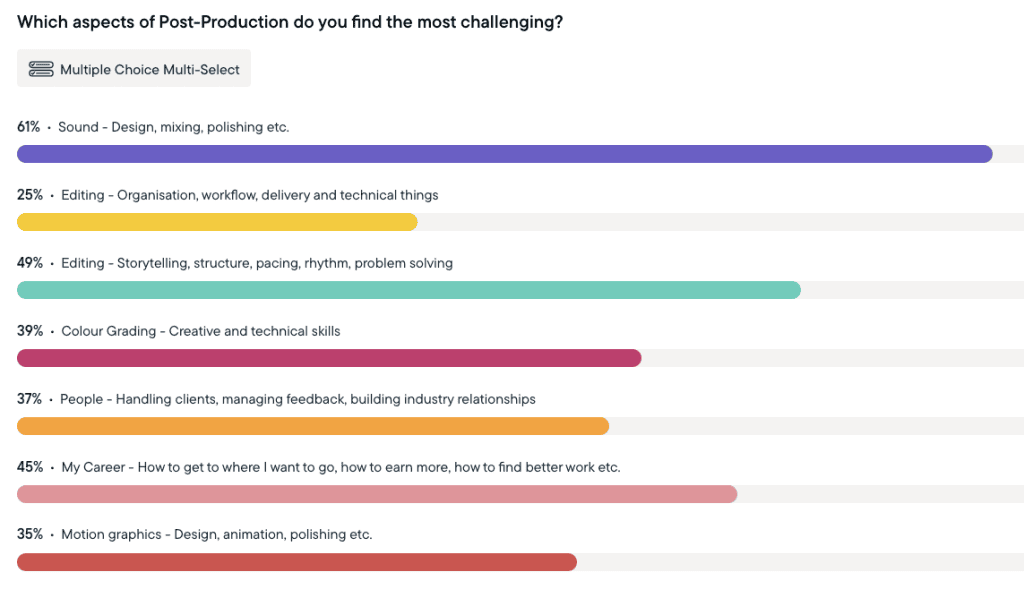
It’s no surprise to me that learning better ways to handle sound was the biggest concern for most editors.
Every time I’ve ever surveyed or spoken to other editors about where they need the most help, they’ve always said, “I wish I knew what I was doing with sound!”
But the goal of this course is not to turn you into an audio engineer.
It’s to equip you with everything you need to feel confident that you really can deliver a polished final mix.
Honestly, a little targeted knowledge goes a long way, and the gap between a bad mix and polished audio isn’t a chasm; it just requires the systematic application of numerous small improvements throughout the process.
That’s what Adding Audio Polish gives you.
$49 | $29 — Limited time launch price
30-day money-back guarantee.
7 emails. One week.
Read in 15 minutes each.
Buy Adding Audio PolishTransformative Results
Before this course:
- Rough dialogue you hope nobody notices
- Music that carries the emotion for the edit, not with it
- Sound effects as afterthoughts
- No idea what LUFS means or how to hit delivery specs
- Audio as the part you rush at the end
After this course:
- Dialogue that’s clean, consistent, and clear every time
- Music that enhances the story without dominating it
- Sound effects and design that add real production value
- Mixes that pass QC and sound good on any platform
- A permanent audio checklist you can use on every project
The full course breakdown
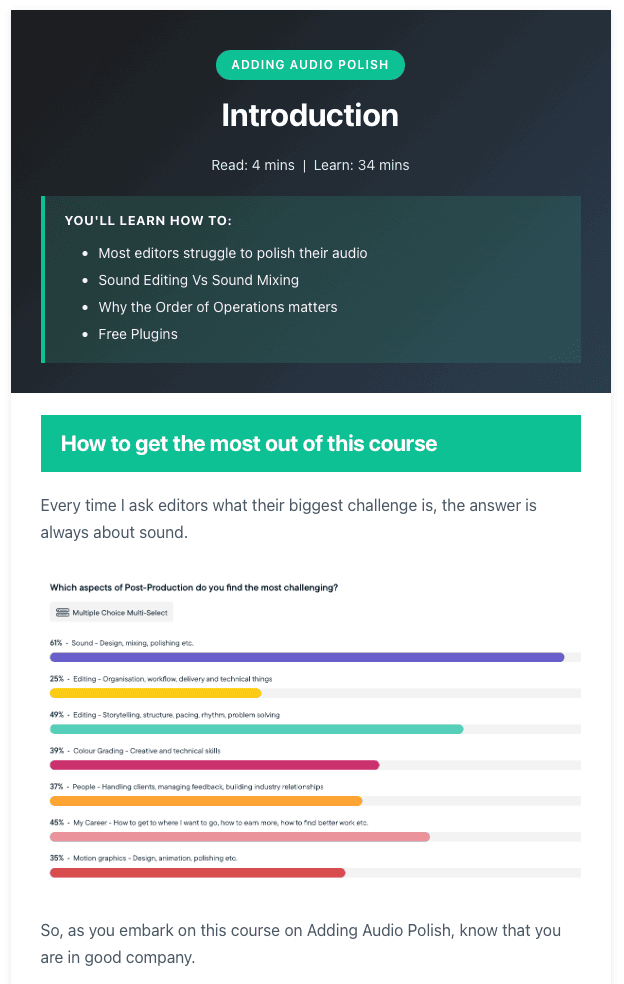
Introduction (4 min read)
Before you touch a single keyframe, understand the two things most editors get backwards: the difference between sound editing and sound mixing, and why the order of operations changes everything.
This single insight will reorganise how you approach audio on every project.
Lesson 1 — Dialogue (9 min read)
The longest lesson, and rightly so. Dialogue is the foundation of every edit.
By the end of this lesson, you’ll know how to smooth edits at scale, fill gaps with room tone, apply plugins in the correct order, and rescue a performance in post when the original just isn’t good enough.
You’ll learn:
- Dialogue editing fundamentals
- Keyframes, dissolves, and tone fill
- The correct order of operations for polishing dialogue
- Frequency enhancement map for voices
- EQ, de-essing, and compression
- Performance stuffing, AI-ADR, and mastering Frankenbites
Lesson 2 — Music (12 min read)
“Change the music” is one of the most common notes editors receive.
This lesson gives you a repeatable process for finding better options, editing them to actually fit your cut, and mixing them so they enhance the emotion rather than overpower it.
You’ll learn:
- Building a music selection process
- Spotting — when, where, and whether to use music
- Editing for arc and variety
- Re-composing with stems
- Notching and worldizing for a natural fit
- Mixing music under dialogue
Lesson 3 — Sound Effects (11 min read)
Sound effects are one of the most underused tools an editor has — and one of the cheapest ways to add real production value.
You’ll learn where to source them, how to design them, and how to blend them so they feel like part of the world rather than placed on top of it.
You’ll learn:
- Free and paid libraries (curated list included)
- Building and organising your personal library
- The Foundation · Details · Sweeteners framework for designing effects
- Foley — when recording your own is faster
- Blending, transitions, and story sounds
- An honest take on AI-generated sound effects
Lesson 4 — Sound Design (8 min read)
The most underestimated layer of the mix.
Great sound design is mostly invisible — it works on the audience subconsciously, telling them what to feel before they know why they feel it. And the most powerful tool in it isn’t a plugin. It’s silence.
You’ll learn:
- Using sound to solve storytelling problems
- Background beds vs. specific effects
- Emotion over realism
- The strategic use of silence
- Building an inspiration archive
- Professional turnover workflow and AAF export settings
Lesson 5 — Mixing (9 min read)
Now everything comes together.
You’ll learn Walter Murch’s 2.5-layer rule, how to lead with dialogue, how to create dynamic movement that keeps audiences engaged, and exactly what LUFS targets you need to hit for YouTube, Netflix, broadcast, and social.
You’ll learn:
- Mixing principles and dynamics
- Clarity as the central objective
- Level guidelines for every stem
- Understanding Peak, RMS, and LUFS
- Platform delivery standards
- Blending techniques and bus processing
- An honest take on AI mixing tools
Bonus — Audio Checklist (2 min read)
A complete audio polishing checklist for every project — from setup and organisation through to final QC — so you never miss a step again.
Includes access to an evolving Google Doc version of the course to keep as a permanent reference.
$49 | $29 — Limited time launch price
30-day money-back guarantee.
7 emails. One week.
Read in 15 minutes each.
Buy Adding Audio Polish